v0.2New: reference inputs

Code in. Stories out. OpenContentManager reads your repositories and turns them into posts, carousels and videos for LinkedIn, Instagram, X, Reddit, YouTube Shorts and your blog. It runs on your computer. We're letting people in a few at a time.

Supported platforms

LinkedIn Instagram X Reddit YouTube Shorts Your blog

Examples

It wrote its own launch.

We pointed OpenContentManager at its own repository and gave it a screenshot of this site as a reference. Everything below came out of that run, one platform, format and engine at a time. None of it was edited.
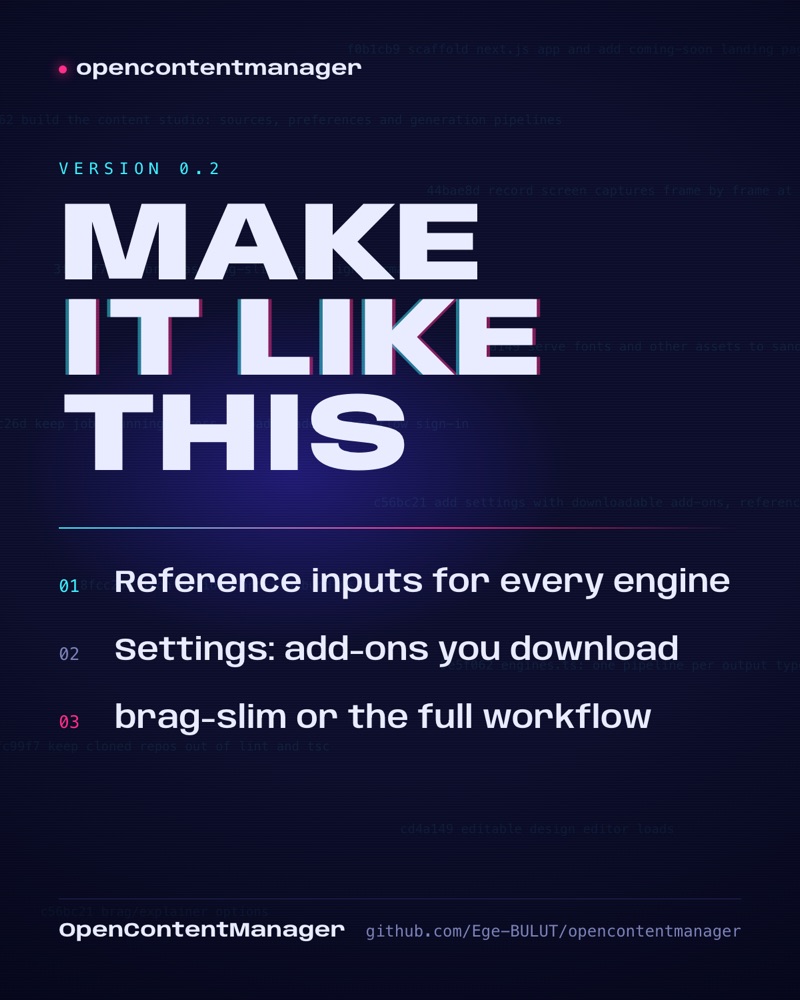
X · text + imageLaunch card for OpenContentManager in the site's midnight and glitch style
Claude design, with a referenceScreenshot in, on-brand card out.
Instagram · Reel
Claude motionAn animated storyboard, rendered frame by frame to MP4.
LinkedIn · carousel
HTML deckEvery carousel also comes as a PDF (LinkedIn) and one PNG per slide (Instagram).
LinkedIn · image with textInfographic about OpenContentManager 0.2
Claude designThe image carries the message.
LinkedIn · brag
brag-slimIt read this project and cut a 20-second launch video with music.
Instagram · screen capture
Screen captureA scroll-through of this site, framed for Reels. The raw take can go to Recordly.
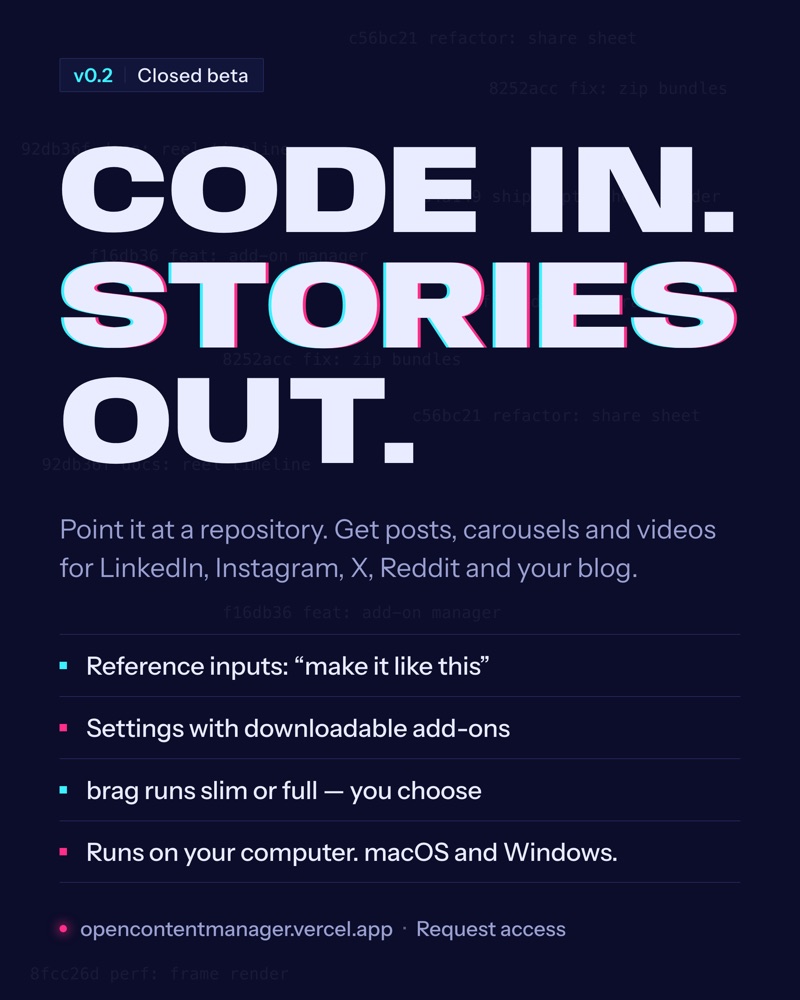
Instagram · Editable DesignPoster: Code in. Stories out.
Editable DesignA layered poster you can keep editing in the browser.
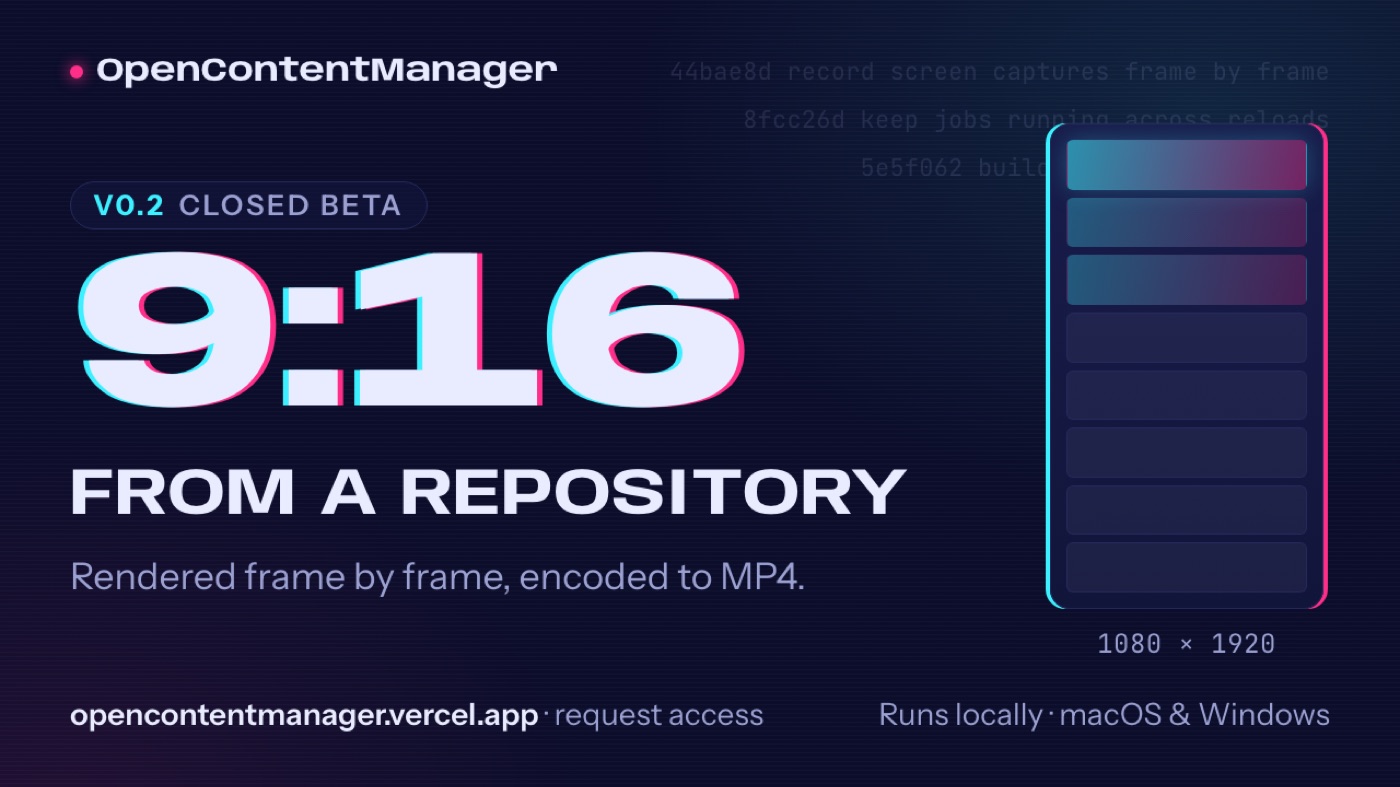
YouTube · coverYouTube cover: 9:16 from a repository
Claude design, with a referenceA 16:9 cover, plus the Short's title, description and #Shorts tags.
YouTube · Short
Claude motionThe same story as a vertical Short, ready for the upload page.

See every example, with the post text

How it works

Three screens from repo to feed.

01

Bring your code

Pick repositories from GitHub, paste a public URL, or choose a folder. Mix as many as you like, then tell one story or make a set for each.

02

Choose what to make

Tick platforms, formats and engines. Set the language and tone. Add a reference if you want a particular look.

03

Post it

Each piece lands in the studio as soon as it is ready. Post it, copy its text, or download everything as one ZIP.

New in 0.2

Make it like this.

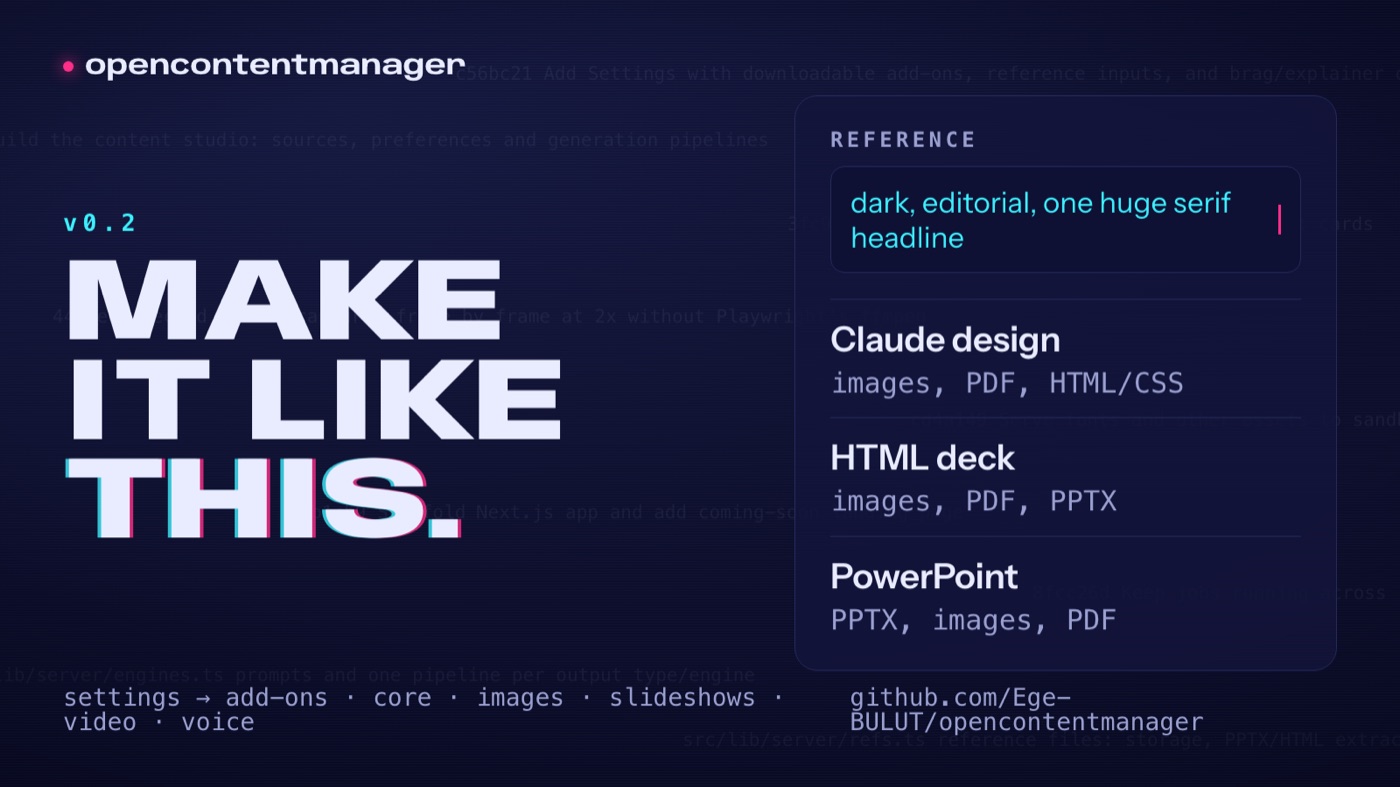
Each engine takes an optional reference. That can be a sentence, or the files it can read: images, PDFs, PowerPoint decks, HTML or text. The reference sets the look and structure, while the facts still come from your code.
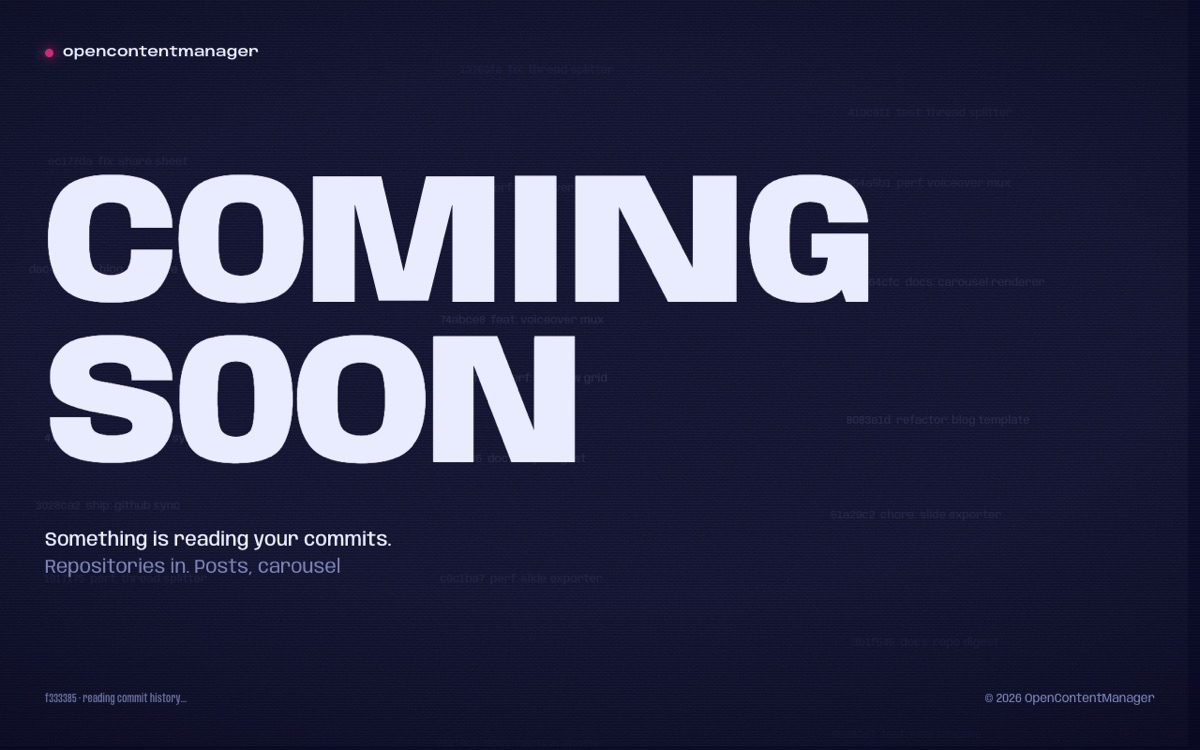
Reference: the coming-soon page of this site
Reference: a screenshot

“Deep midnight blue, ultra-wide display type, cyan and magenta glitch accents, faint commit-log texture.”
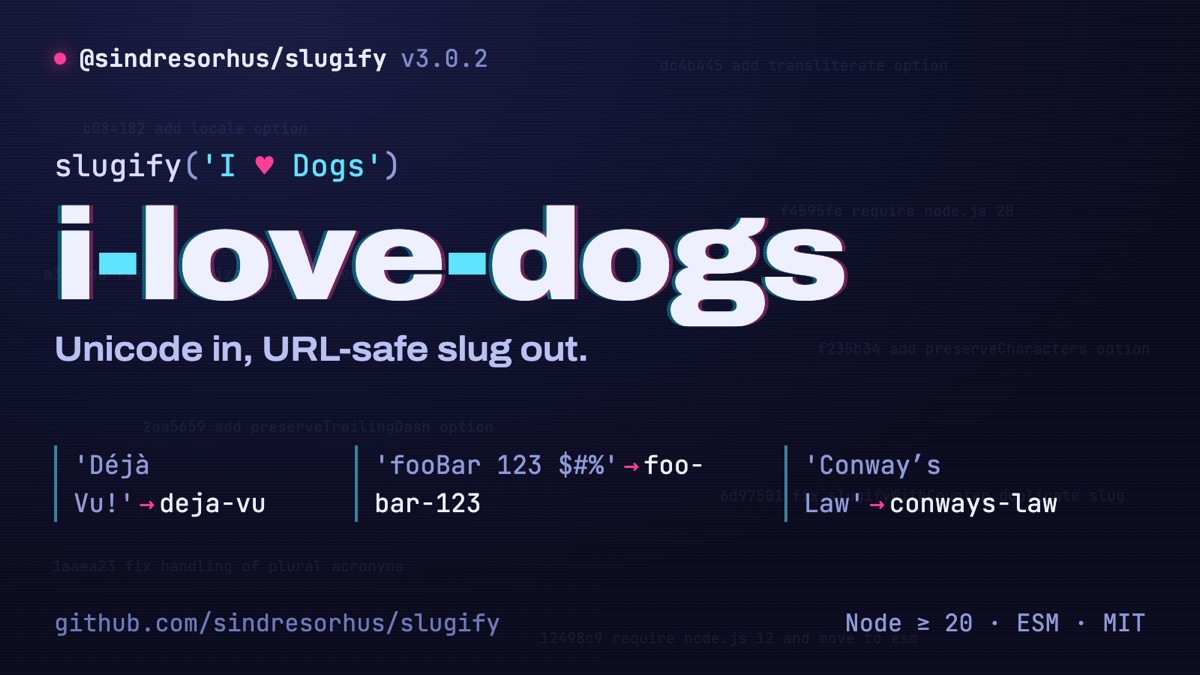
Result: a post image for the slugify library in the same style
Result: an X image about an unrelated library, in that style
Claude designimages, PDF, HTML/CSS
HTML deckimages, PDF, PPTX, HTML/CSS
PowerPointPPTX theme and structure, images, PDF
Claude motionimages, HTML/CSS
Editable Design · bragimages
anything2explainerPDF, Markdown, HTML as source

Formats and engines

Pick more than one. Every pick is its own piece.

Text + image

A post with a supporting visual, sized per platform.

  • Claude design
  • Editable Design

Image with text

Infographics and cards that carry the message.

  • Claude design
  • Editable Design

Slideshow

Carousels and decks with PDF and per-slide PNG exports.

  • HTML deck
  • PowerPoint

Video

Short videos for Reels, YouTube Shorts, LinkedIn and X.

  • Claude motion
  • brag · slim or full
  • anything2explainer
  • Screen capture

Voice

Claude writes the narration and a voice speaks it: Kokoro offline on any computer, or Qwen in the cloud or on an Apple Silicon Mac.

  • Kokoro
  • Qwen TTS

Lightweight by default

Download only what you use.

The only requirement is Claude, through Claude Code or an API key. Everything else is an add-on in Settings, with its size shown. You can remove any of them again, and it all stays inside the app's folder. It's a desktop app for macOS and Windows; beta members download it from their beta page.

# members, from their beta page
1. download the installer (macOS or Windows)
2. open OpenContentManager
3. sign in with your invite
# then add only the add-ons you need
  • Renderer: your Chrome or Edge, or headless Chromium0 or ~100 MB
  • ffmpeg for video0 or ~50 MB
  • brag · Editable Design · Hyperframes30–130 MB each
  • anything2explainer with its Python environment~440 MB
  • Kokoro voice · local Qwen3-TTS~120 MB · ~2.4 GB

Your commits deserve an audience.

We're in closed beta. Tell us what you'd make, and we'll send you an invite as spots open.